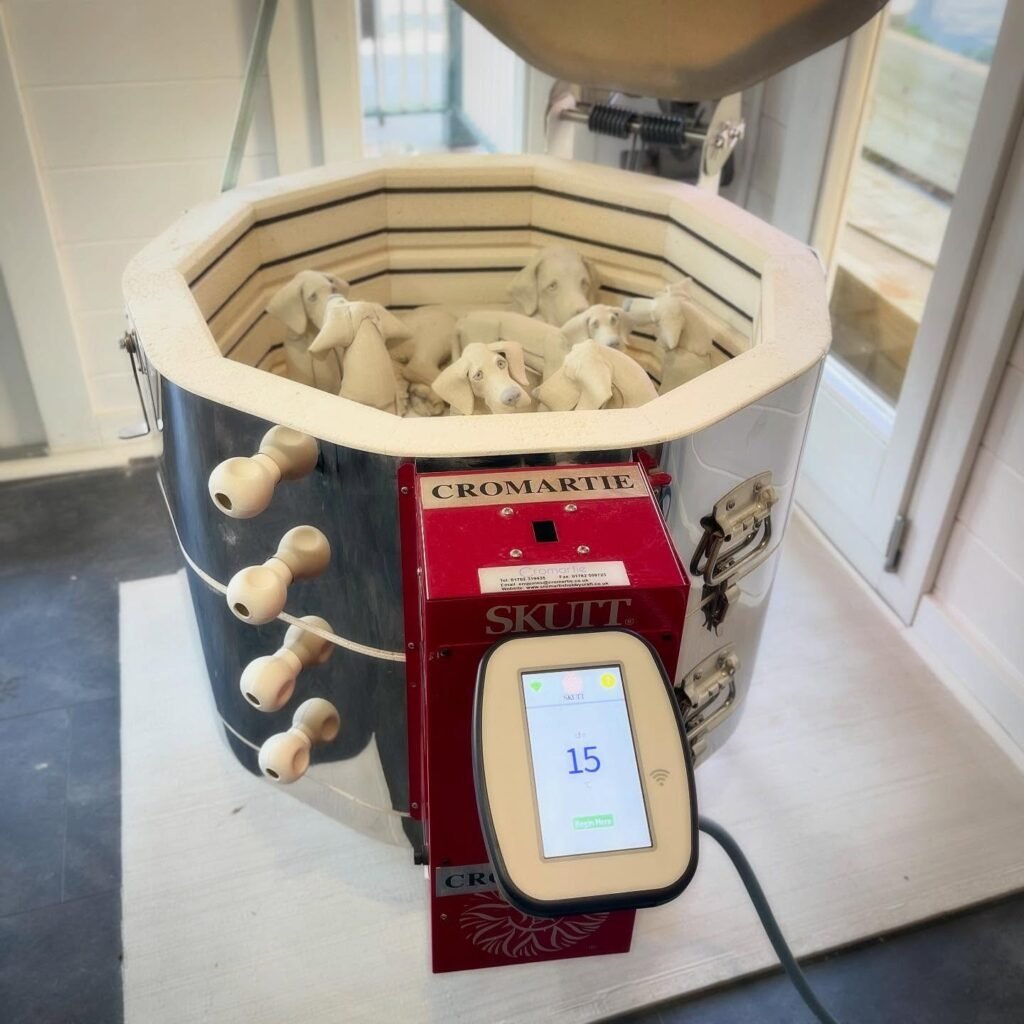
A pottery kiln controller gives you much more control over the firing process. Instead of manually adjusting switches throughout a firing, you can program temperature changes, hold times, ramps, and other firing parameters directly into the controller.
For potters moving from a community studio to their own kiln, the controller can also feel like the most confusing part of the equipment. Recent pottery discussions show beginners asking how kiln controllers work, what they need to learn, and what they should check before running their first firing.
The good news is that modern controllers become much easier to understand once you know what the main functions actually do.
What Does a Pottery Kiln Controller Do?
A pottery kiln controller manages the firing cycle.
It receives temperature information from the kiln’s thermocouple. Then it uses that information to control the heating elements according to the program you selected.
A simple firing might gradually increase the temperature until the kiln reaches a target temperature.
A more advanced program can use several stages.
For example, you might program a slow initial ramp, a faster climb later in the firing, and a hold at the final temperature.
That flexibility makes a kiln controller especially useful for potters who want repeatable firing results.
Why Kiln Controllers Matter
Manual kilns can produce excellent pottery.
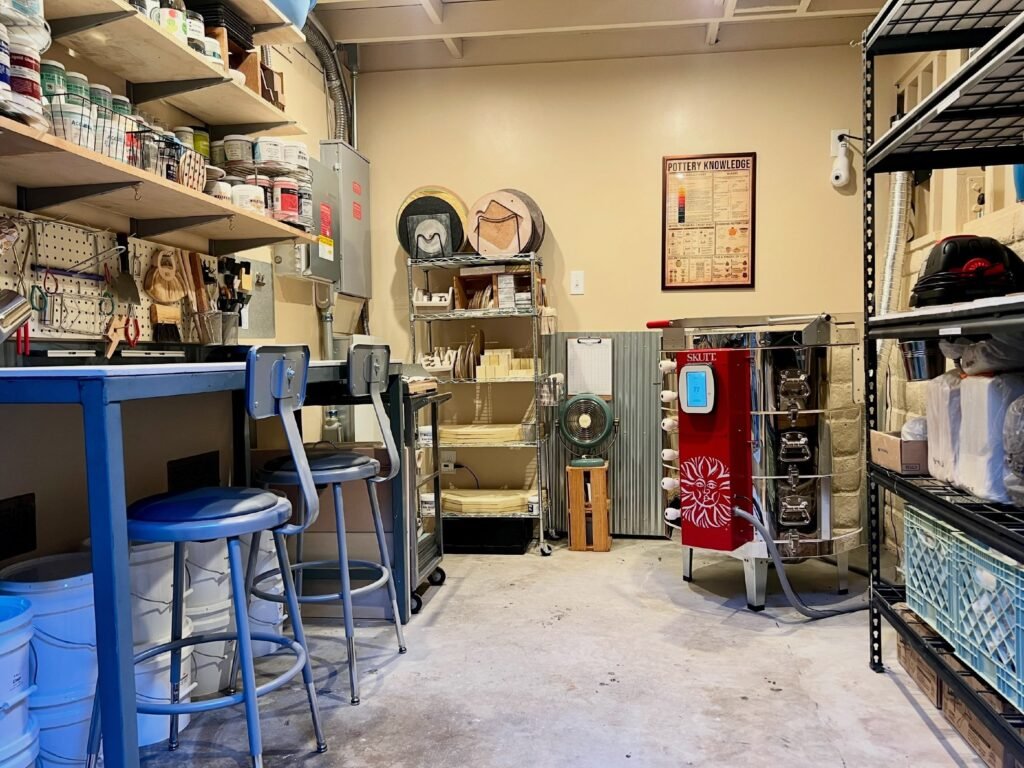
However, manual operation requires more attention from the potter.
You need to monitor temperature and adjust the kiln as the firing progresses.
A programmable pottery kiln controller can handle those changes automatically.
That does not mean you can simply press Start and walk away without understanding the firing.
You still need to choose an appropriate program, load the kiln correctly, monitor the equipment, and understand what the controller is doing.
Automation reduces repetitive work.
It does not replace good firing knowledge.
Ramp and Hold Explained
Two terms appear frequently when you start using a programmable kiln controller: ramp and hold.
The ramp controls how quickly the kiln changes temperature.
For example, a program might increase the temperature at a specific rate per hour.
The hold tells the kiln to maintain a target temperature for a specified period.
Together, these functions give you much greater control over the firing schedule.
You can use them for bisque firing, glaze firing, slow firing schedules, controlled cooling, and other applications.
The exact programming options depend on the controller.
Why Slow Firing Can Matter
Not every firing should race toward the final temperature.
Clay and glaze contain materials that respond differently as temperature changes.
A slower firing schedule can provide more control during critical parts of the firing.
For example, some clay bodies benefit from a controlled early heating stage.
The appropriate schedule depends on your clay, glaze, kiln, and desired result.
That is why copying another potter’s firing program can create problems.
Use the firing recommendations from your clay and glaze manufacturers as a starting point.
Then adjust the program based on your own results.
What Is a Digital Kiln Controller?
A digital kiln controller uses electronic controls to manage the firing schedule.
Modern controllers can offer programmable ramps, holds, delayed starts, firing schedules, temperature displays, and diagnostic functions.
Some systems also provide advanced programming options that allow experienced potters to create highly specific firing profiles.
The display gives you real-time information about the kiln.
You can usually see the current temperature and the stage of the firing.
Depending on the controller, you may also see the programmed target temperature, remaining time, or active segment.
Do You Need an Advanced Controller?
Not every potter needs the most advanced controller available.
A beginner who primarily fires standard bisque and glaze schedules may only need straightforward programming.
A production potter with specialized clay bodies or glazes may benefit from more advanced control.
Consider your actual firing needs.
Ask yourself how often you change firing schedules.
Think about whether you need multiple ramps and holds.
Consider whether you want diagnostic features.
Also think about whether the controller works with your kiln’s existing electrical and temperature-control system.
More features do not automatically mean better results.
The right controller is the one that gives you the control your pottery actually requires.
Check Compatibility Before Buying
This is one of the most important rules when shopping for a pottery kiln controller.
Do not assume that any digital controller will work with any electric kiln.
The controller needs to work with the kiln’s electrical system, thermocouple, relays, wiring, and heating capacity.
The kiln manufacturer may specify compatible controllers.
Some controllers also require specific installation procedures.
If you are replacing an old controller, identify the exact kiln model before ordering the replacement.
Then check the manufacturer’s documentation.
A controller that looks similar to your existing unit may still be incompatible.
What About Older Kilns?
Older kilns can still provide excellent service.
However, their control systems may differ substantially from modern programmable kilns.
Some older models use manual switches or kiln sitters.
Others use older digital controllers that lack modern programming features.
That does not automatically make the kiln obsolete.
Before upgrading an older kiln, determine whether the rest of the equipment remains in good condition.
Check the heating elements.
Inspect the firebrick.
Examine the thermocouple.
Review the wiring.
Then determine whether the controller upgrade makes financial sense.
Replacing a controller on a structurally sound kiln can be worthwhile.
Adding an expensive controller to a kiln that also needs major repairs may not make sense.
Controller vs. Kiln Sitter
A kiln sitter works differently from a programmable controller.
A kiln sitter uses a mechanical system and a pyrometric cone or similar device to trigger the shutoff mechanism.
A digital controller instead monitors temperature through a thermocouple and controls the firing electronically.
Both systems have their advantages.
A kiln sitter can provide simple, dependable operation when properly maintained.
A programmable controller offers much more flexibility.
If you are buying a used kiln, find out which system it uses before deciding whether the equipment fits your needs.
Learn the Error Messages
A modern controller can tell you when something is wrong.
The exact messages vary between manufacturers and controller models.
Some errors can indicate problems with the thermocouple circuit.
Other messages may point toward power interruptions, sensor issues, or other control problems.
Do not ignore an error simply because the kiln continues running.
Stop and consult the controller documentation.
If the problem involves electrical components or wiring, use appropriate professional help rather than guessing.
Understanding basic error messages can save you considerable troubleshooting time.
The Thermocouple Matters Too
Your pottery kiln controller cannot control temperature accurately without reliable temperature information.
That information comes from the thermocouple.
The controller reads the thermocouple signal and uses it to determine how hot the kiln has become.
A damaged or deteriorated thermocouple can therefore create misleading temperature information.
If your controller suddenly behaves strangely, do not automatically blame the controller.
Check the thermocouple and its connections as part of the diagnosis.
Our guide to kiln thermocouple replacement explains the common warning signs and replacement considerations.
Watch Your Witness Cones
A digital controller gives you temperature data.
Witness cones give you another way to evaluate the firing.
That distinction matters because ceramic firing depends on heatwork, not temperature alone.
A kiln can reach a particular temperature while producing different results depending on the firing schedule.
Witness cones help you see how the heatwork affected the pottery.
Use them alongside your controller readings.
If your programmed firing produces unexpected cone results, investigate the entire firing system rather than immediately changing the controller.
Controller Programming for Beginners
Start simple.
You do not need a complicated multi-segment program for every firing.
Begin with the recommended firing schedule for your clay body or glaze.
Learn what each segment does.
Understand the target temperature.
Learn how the ramp rate affects the firing.
Then experiment gradually.
Keep notes after each firing.
Record the program you used.
Write down the cone results.
Note any unusual behavior.
Over time, your firing log will become one of your most valuable tools.
Common Kiln Controller Mistakes
One common mistake involves programming a temperature without considering the firing rate.
Another involves copying someone else’s schedule without checking whether it suits your clay or glaze.
Some beginners also assume that reaching the target temperature guarantees a successful firing.
It does not.
Heatwork, ramp rates, holds, kiln loading, and material characteristics all matter.
Another mistake involves ignoring controller errors.
A warning message deserves investigation.
Finally, avoid changing several variables at once.
If you change the firing schedule, clay, glaze, and kiln loading simultaneously, you will have difficulty determining what caused the result.
Should You Upgrade Your Kiln Controller?
An upgrade can make sense when your existing controller limits your firing options.
It may also make sense when the original controller has become unreliable or replacement parts are difficult to find.
However, evaluate the entire kiln first.
If the heating elements have severe wear and the firebrick has major damage, a controller upgrade may not be the best first investment.
A healthy kiln with an outdated controller presents a different situation.
In that case, a modern controller could extend the usefulness of the equipment and make firing considerably easier.
What to Look for When Buying a Controller
Start with compatibility.
Then consider programming capability.
Look at the number of firing segments available.
Check whether the controller supports ramps and holds.
Review the display.
Consider how easy the interface is to use.
Look at diagnostic features.
Then check manufacturer support and replacement availability.
Do not choose based only on the number of buttons or features.
A controller that feels intuitive will serve you better than an advanced system you struggle to program correctly.
Final Thoughts
A pottery kiln controller can transform the way you approach firing.
It gives you greater control over temperature changes and makes repeatable firing schedules much easier to achieve.
However, the controller works as part of a larger system.
The thermocouple needs to provide reliable temperature information.
The heating elements need to function correctly.
The electrical system needs to match the kiln.
Your firing program needs to suit the clay and glaze.
Your witness cones should confirm what the firing actually did.
If you are buying a kiln, replacing a controller, or upgrading an older setup, focus on compatibility first.
Then learn the controller’s functions one at a time.
You do not need to master every advanced feature on your first day.
Start with reliable firing schedules, keep good notes, watch your cones, and learn how your kiln responds.
That approach will give you far more useful control than simply buying the most complicated controller you can find.

Pingback: Kiln Sitter Adjustment: How to Check Yours